Teachers can now record audio, video, and screencasts directly in Google Classroom
Teachers Can Now Record Audio, Video, and Screencasts Directly in Google Classroom: A Revolutionary EdTech Update
For years, the workflow for digital instruction was fragmented. Teachers wanting to create personalized video instructions or offer detailed verbal feedback had to juggle third-party tools like Loom, Screencastify, or Audacity, then export files, manage permissions, and finally, manually upload them into their learning management system (LMS).
It was a massive time sink. But that era of friction is officially over. In the biggest EdTech update of the year, Google has rolled out native recording capabilities directly within Google Classroom. This is not just an incremental improvement; it's a seismic shift for personalized digital instruction.
The ability for educators to seamlessly record high-quality audio, full video messages, and detailed screencasts without ever leaving the Google Classroom interface is set to redefine asynchronous learning and student engagement worldwide. This integrated tool dramatically cuts down on administrative burdens, allowing teachers to focus less on technology and more on pedagogy.
The Game Changer: Seamless Integration and Accessibility
This new feature places powerful content creation tools directly at the fingertips of every educator using Google Workspace for Education. The immediate benefit is accessibility—no more complex setups, extensions, or sign-ups required. The recording tool is built into the assignment creation and feedback loop screens.
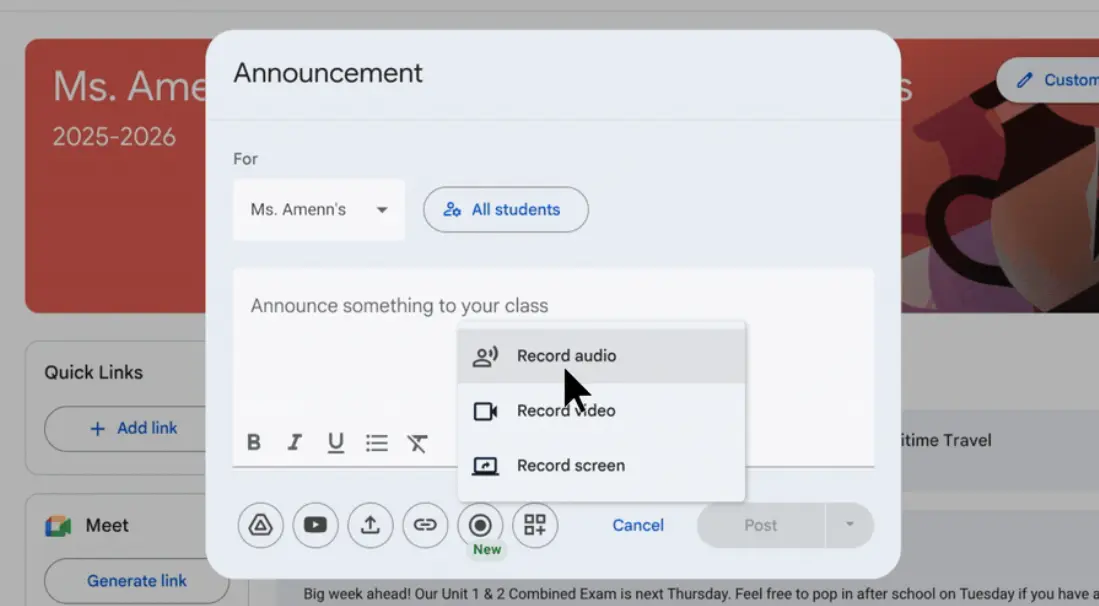
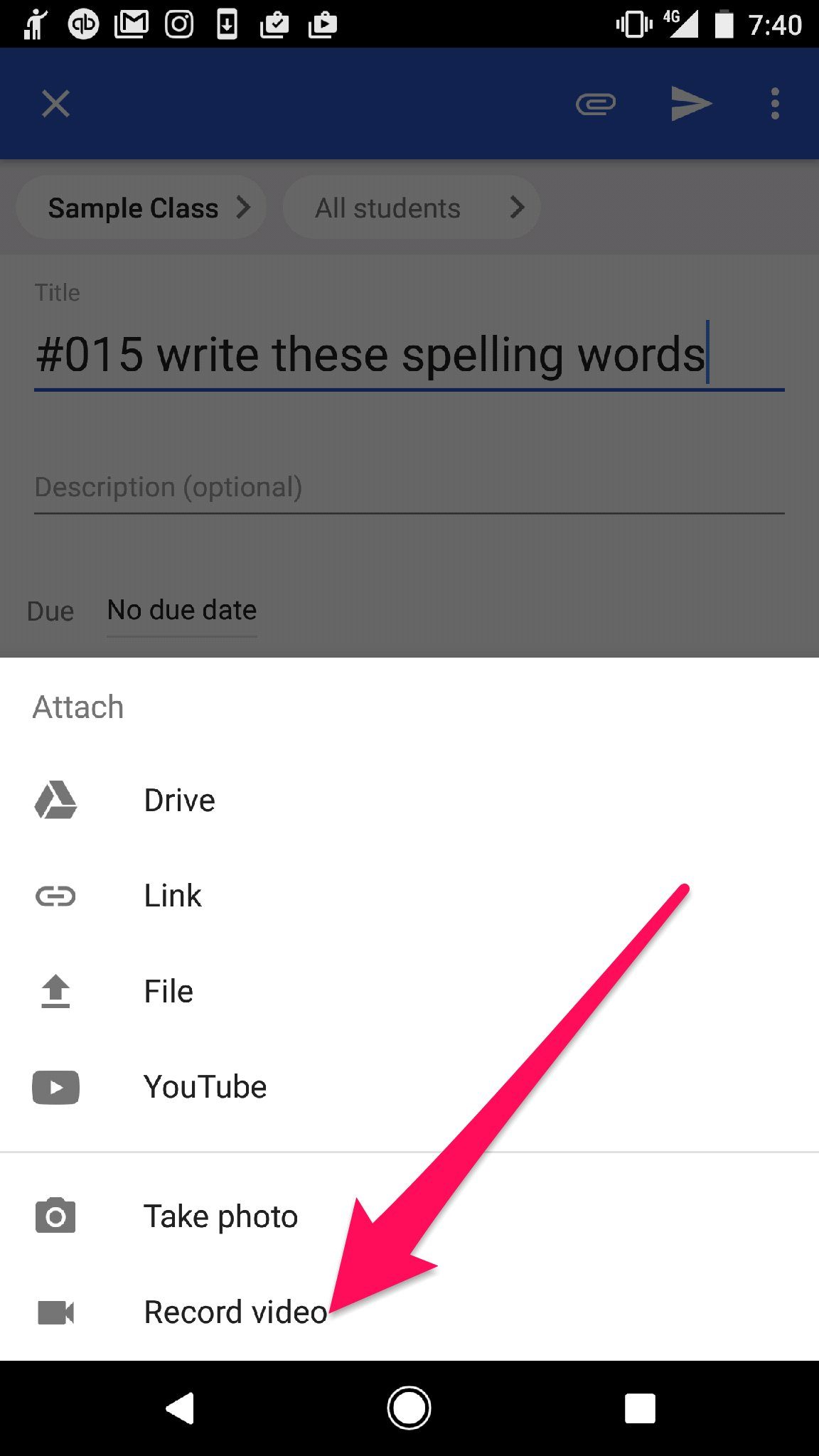
When creating an assignment, posting an announcement, or returning graded work, teachers will now see a simple, intuitive record button. This single feature unlocks three distinct methods of communication, making differentiation far simpler:
- Audio Recording: Ideal for quick verbal feedback, pronunciation practice, or concise announcements where video might be distracting or unnecessary. This is fast and bandwidth-friendly.
- Video Recording (Webcam): Perfect for creating short instructional videos, personalized welcome messages, or adding a crucial human element back into digital communication.
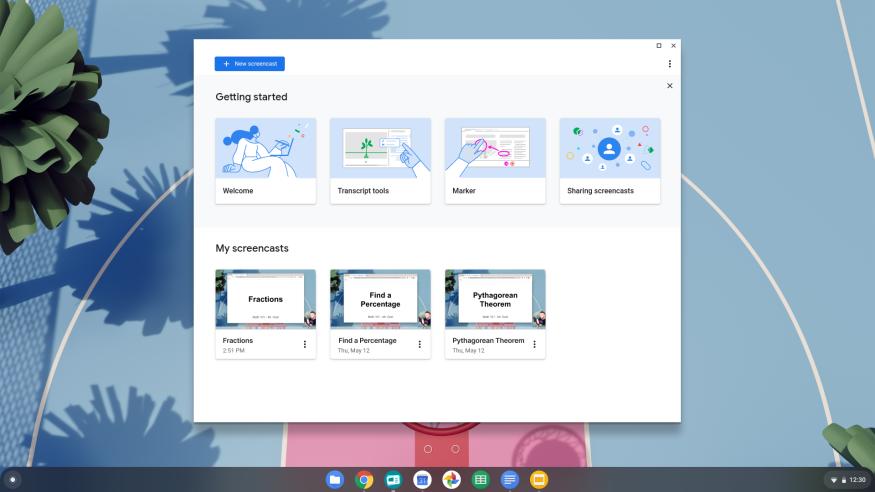
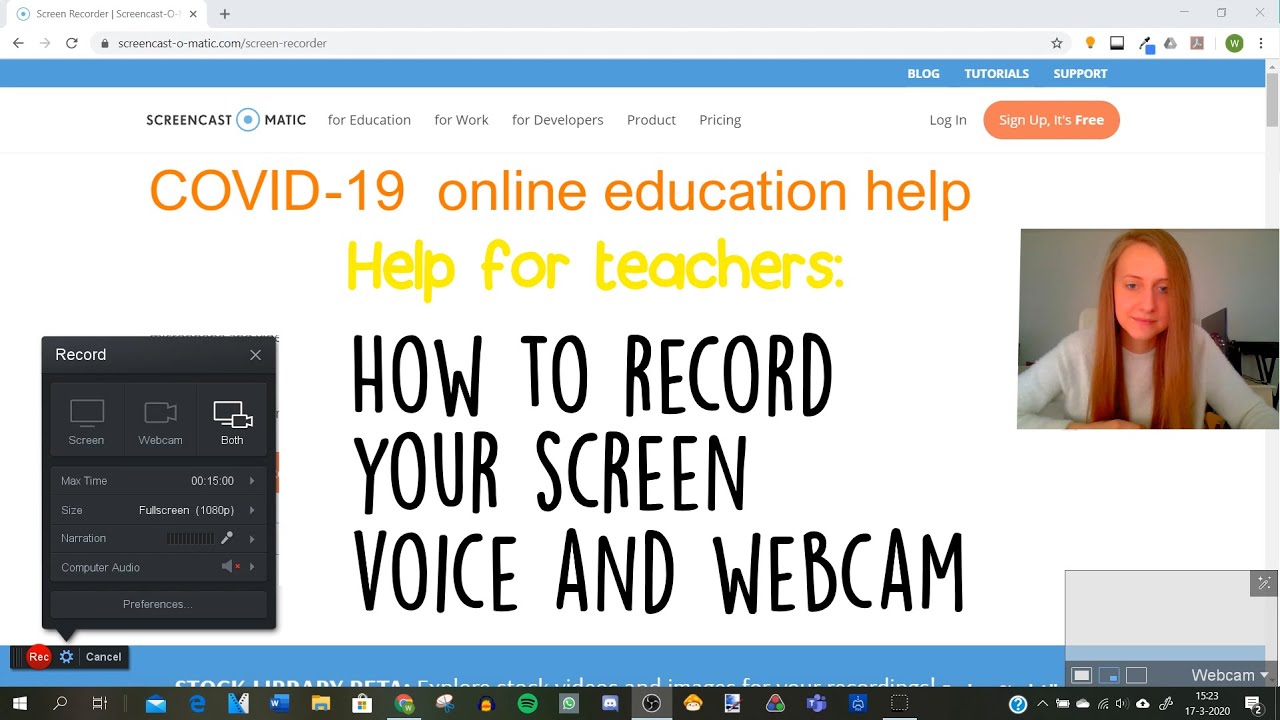
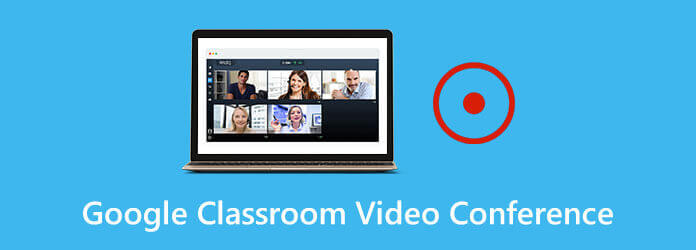
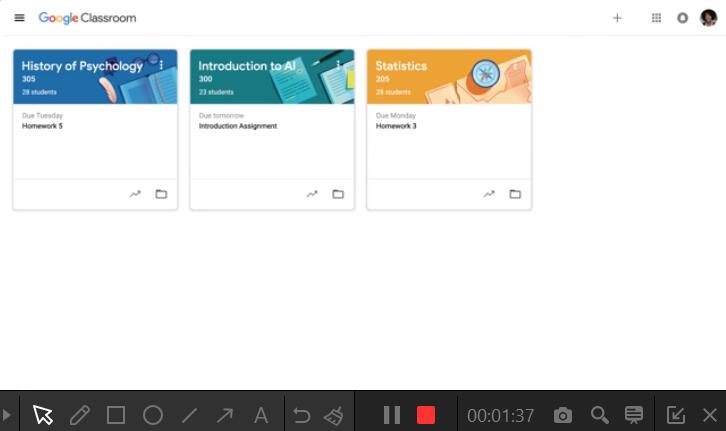
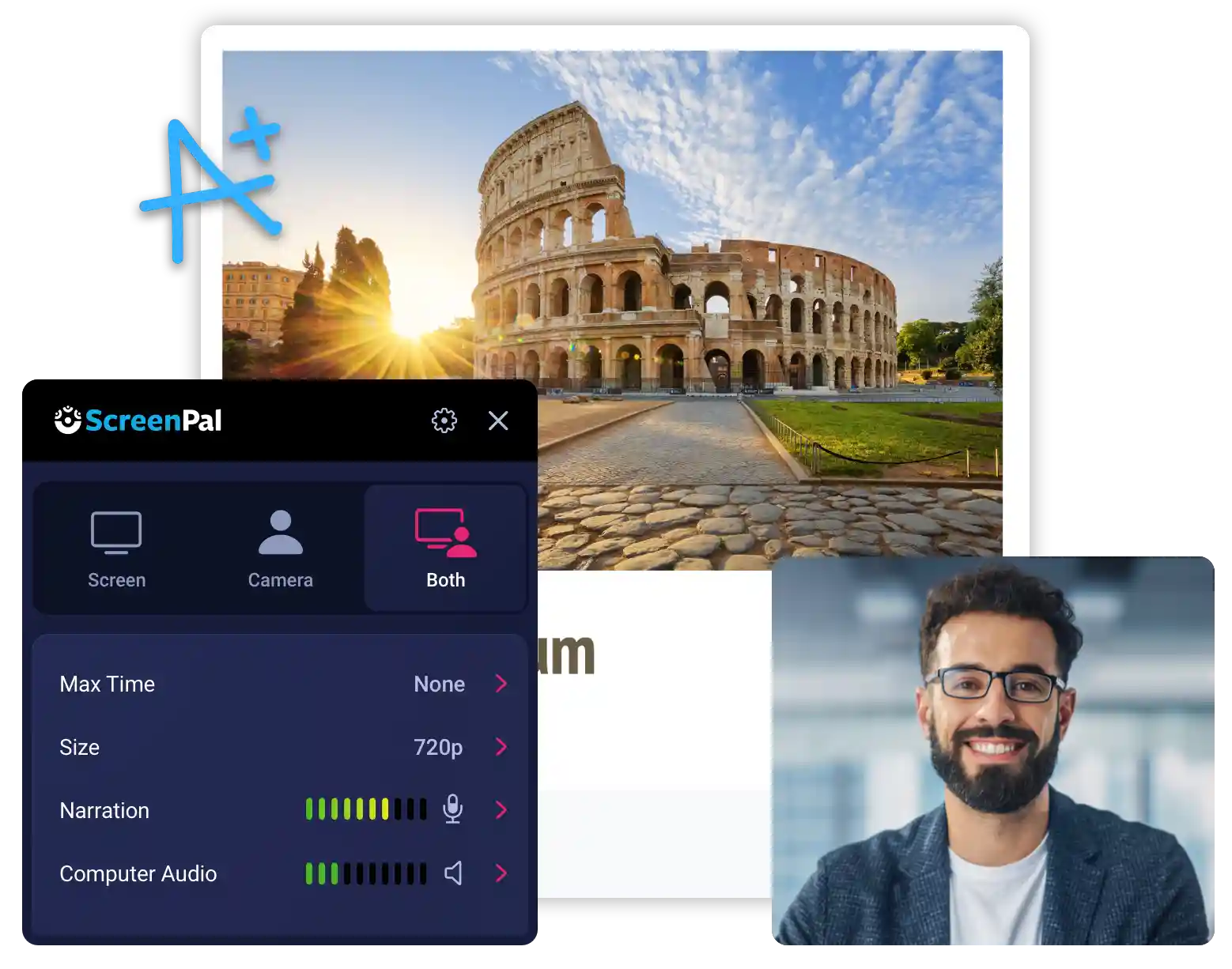
- Screencasting: The most powerful tool for detailed demonstrations. Teachers can record their screen while narrating, demonstrating how to solve a complex math problem, navigate a research database, or utilize a new software tool.
The recorded content is automatically processed and embedded directly into the assignment or feedback thread. Crucially, because it resides natively within Google Classroom and Google Drive, all the thorny issues surrounding file permissions, sharing links, and student access disappear completely. The content is immediately available and secure for the intended audience.
This integration acts as a powerful accelerator for educational technology adoption. Teachers who were hesitant about using complex tools now have a low-barrier entry point to creating rich, media-based instruction.
Furthermore, early reports suggest the recordings are handled efficiently, maintaining high quality without massive file sizes, ensuring the experience is smooth even for students accessing content on less powerful devices or with limited internet bandwidth. This addresses a major equity concern in digital learning.
Transforming Instruction: Practical Applications for the Modern Classroom
The real power of this update lies not just in the technology, but in the pedagogical shifts it enables. The immediacy and personalization of native recording allow teachers to move beyond static text and revolutionize core aspects of their daily instructional routine.
Deepening Personalized Feedback
One of the most time-consuming yet essential aspects of teaching is providing meaningful feedback. Writing detailed comments on essays or projects is exhaustive. Video and audio feedback, however, conveys tone, emphasis, and clarity far better than text alone.
Imagine a scenario: A high school English teacher is grading a persuasive essay. Instead of typing five lengthy paragraphs outlining structural errors and successful arguments, they can now click record and provide a two-minute screencast, highlighting the text on the student's document while talking them through the revisions. This immediate, high-impact feedback is invaluable.
- Accessibility Boost: Verbal instructions are often easier for students with reading challenges or specific learning disabilities to process compared to dense written text.
- Time Efficiency: Most teachers can speak detailed feedback much faster than they can type it, reclaiming valuable planning time.
- Building Rapport: Hearing the teacher's voice or seeing their face reinforces the student-teacher connection, which is vital in remote or hybrid learning environments.
Supercharging Flipped Classroom Models
The "flipped classroom" concept relies heavily on students accessing core content instruction (lectures) outside of class time. Previously, this required uploading videos to YouTube or managing extensive external hosting platforms.
With native screencasting, teachers can quickly record lesson introductions, demonstrations of scientific experiments, or breakdowns of historical events and embed them directly into the relevant Google Classroom topic. Preparation time for the flipped model is dramatically reduced, making this strategy accessible to more educators.
Differentiated Instruction Made Easy
Differentiation is often the first casualty when teachers are pressed for time. This new recording suite changes that dynamic. A teacher can now create three slightly different versions of the same assignment introduction—one written, one audio-only (for auditory learners), and one video (for visual learners)—in a fraction of the time it previously took.
For multilingual learners (MLLs), a quick recorded instruction can bridge language gaps, providing key concepts in a visual or verbal format that supports simultaneous translation tools.
The Future of Personalized Feedback and Asynchronous Learning
This major feature release underscores Google's commitment to expanding the functionality of Google Classroom beyond a simple assignment dropbox. It positions the platform as a comprehensive digital instruction hub capable of supporting complex asynchronous communication strategies.
The integration of native recording minimizes the cognitive load associated with juggling multiple digital learning tools. When technology becomes this frictionless, teachers are more likely to adopt innovative instructional strategies, ultimately leading to greater student engagement and improved learning outcomes.
We are entering an exciting phase of digital learning where the lines between content creation and delivery are blurring. The saved time from not having to download, upload, and link external video files is cumulative. Across a school district, this translates into thousands of hours of administrative time reclaimed for direct student support and instructional planning.
The next steps for Google, based on market demand, will likely focus on incorporating simple editing tools directly into the recorder interface, allowing for quick trims or annotations. However, even in its current form, this update represents a monumental leap forward for educators dedicated to personalized, effective digital instruction.
Teachers everywhere should prioritize exploring this tool immediately. Start small: record a personalized greeting for your class announcement, or replace your next written feedback comment with a 60-second audio clip. You will quickly see how this seemingly simple feature fundamentally improves the quality and efficiency of your digital communication.
This is more than just a trending update; it's the new standard for educational technology.
Teachers can now record audio, video, and screencasts directly in Google Classroom
Teachers can now record audio, video, and screencasts directly in Google Classroom Wallpapers
Collection of teachers can now record audio, video, and screencasts directly in google classroom wallpapers for your desktop and mobile devices.
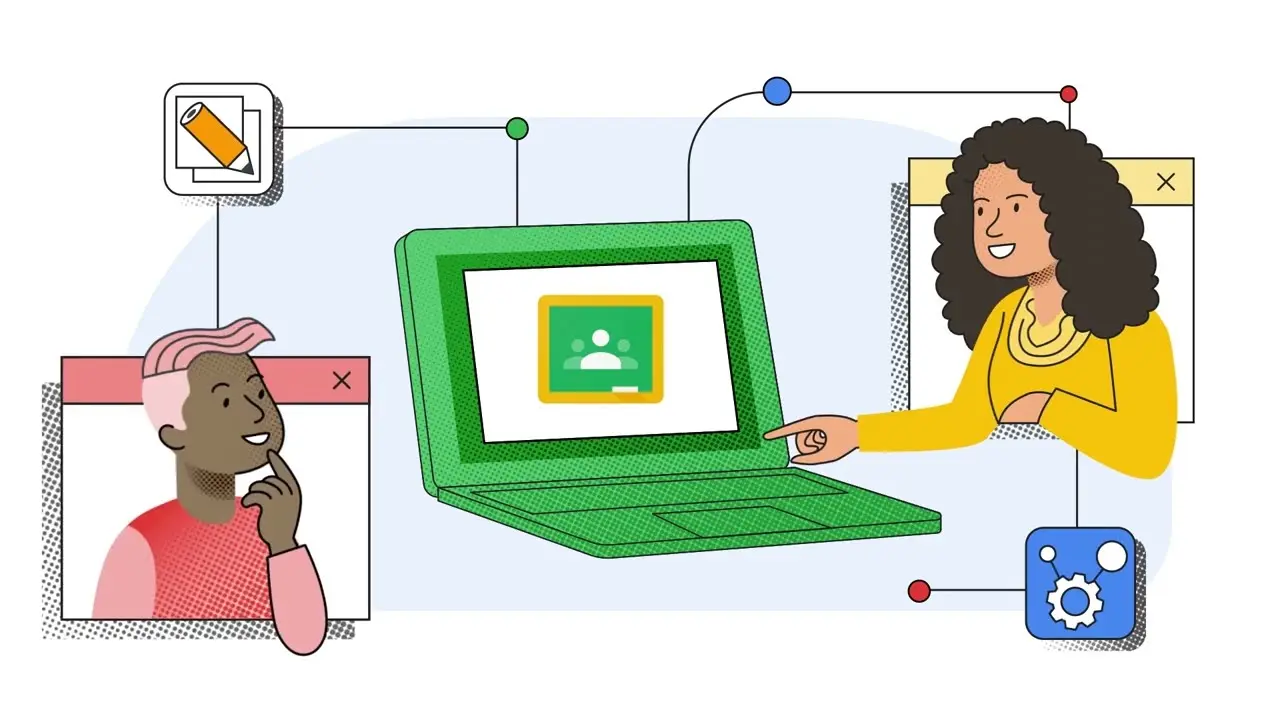
Exquisite Teachers Can Now Record Audio, Video, And Screencasts Directly In Google Classroom Background for Desktop
A captivating teachers can now record audio, video, and screencasts directly in google classroom scene that brings tranquility and beauty to any device.
Spectacular Teachers Can Now Record Audio, Video, And Screencasts Directly In Google Classroom Background Nature
Find inspiration with this unique teachers can now record audio, video, and screencasts directly in google classroom illustration, crafted to provide a fresh look for your background.
Breathtaking Teachers Can Now Record Audio, Video, And Screencasts Directly In Google Classroom Abstract Digital Art
Discover an amazing teachers can now record audio, video, and screencasts directly in google classroom background image, ideal for personalizing your devices with vibrant colors and intricate designs.

Vivid Teachers Can Now Record Audio, Video, And Screencasts Directly In Google Classroom Artwork Digital Art
Discover an amazing teachers can now record audio, video, and screencasts directly in google classroom background image, ideal for personalizing your devices with vibrant colors and intricate designs.

High-Quality Teachers Can Now Record Audio, Video, And Screencasts Directly In Google Classroom Moment Illustration
Explore this high-quality teachers can now record audio, video, and screencasts directly in google classroom image, perfect for enhancing your desktop or mobile wallpaper.
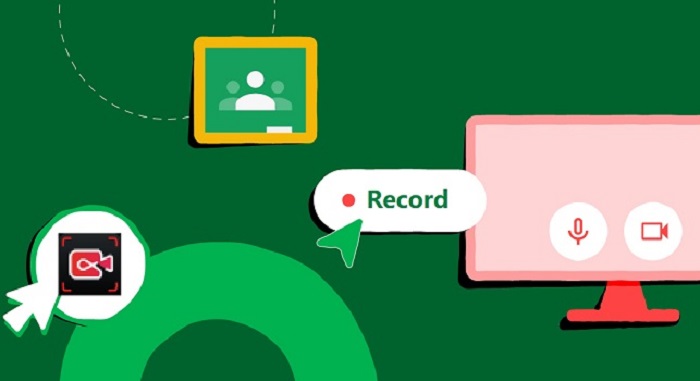
Detailed Teachers Can Now Record Audio, Video, And Screencasts Directly In Google Classroom Picture Digital Art
Explore this high-quality teachers can now record audio, video, and screencasts directly in google classroom image, perfect for enhancing your desktop or mobile wallpaper.

Exquisite Teachers Can Now Record Audio, Video, And Screencasts Directly In Google Classroom Scene for Mobile
A captivating teachers can now record audio, video, and screencasts directly in google classroom scene that brings tranquility and beauty to any device.
Breathtaking Teachers Can Now Record Audio, Video, And Screencasts Directly In Google Classroom View for Mobile
Experience the crisp clarity of this stunning teachers can now record audio, video, and screencasts directly in google classroom image, available in high resolution for all your screens.
Gorgeous Teachers Can Now Record Audio, Video, And Screencasts Directly In Google Classroom Moment for Desktop
Immerse yourself in the stunning details of this beautiful teachers can now record audio, video, and screencasts directly in google classroom wallpaper, designed for a captivating visual experience.

Amazing Teachers Can Now Record Audio, Video, And Screencasts Directly In Google Classroom Scene Nature
Transform your screen with this vivid teachers can now record audio, video, and screencasts directly in google classroom artwork, a true masterpiece of digital design.

Crisp Teachers Can Now Record Audio, Video, And Screencasts Directly In Google Classroom Photo for Mobile
This gorgeous teachers can now record audio, video, and screencasts directly in google classroom photo offers a breathtaking view, making it a perfect choice for your next wallpaper.

Gorgeous Teachers Can Now Record Audio, Video, And Screencasts Directly In Google Classroom Artwork for Mobile
This gorgeous teachers can now record audio, video, and screencasts directly in google classroom photo offers a breathtaking view, making it a perfect choice for your next wallpaper.
Artistic Teachers Can Now Record Audio, Video, And Screencasts Directly In Google Classroom Background Illustration
Immerse yourself in the stunning details of this beautiful teachers can now record audio, video, and screencasts directly in google classroom wallpaper, designed for a captivating visual experience.

Breathtaking Teachers Can Now Record Audio, Video, And Screencasts Directly In Google Classroom Picture Digital Art
Discover an amazing teachers can now record audio, video, and screencasts directly in google classroom background image, ideal for personalizing your devices with vibrant colors and intricate designs.
Amazing Teachers Can Now Record Audio, Video, And Screencasts Directly In Google Classroom Capture Nature
Explore this high-quality teachers can now record audio, video, and screencasts directly in google classroom image, perfect for enhancing your desktop or mobile wallpaper.
Artistic Teachers Can Now Record Audio, Video, And Screencasts Directly In Google Classroom Picture Photography
Find inspiration with this unique teachers can now record audio, video, and screencasts directly in google classroom illustration, crafted to provide a fresh look for your background.
Artistic Teachers Can Now Record Audio, Video, And Screencasts Directly In Google Classroom Artwork Art
A captivating teachers can now record audio, video, and screencasts directly in google classroom scene that brings tranquility and beauty to any device.
Amazing Teachers Can Now Record Audio, Video, And Screencasts Directly In Google Classroom Artwork Digital Art
Explore this high-quality teachers can now record audio, video, and screencasts directly in google classroom image, perfect for enhancing your desktop or mobile wallpaper.

Serene Teachers Can Now Record Audio, Video, And Screencasts Directly In Google Classroom Image Collection
Explore this high-quality teachers can now record audio, video, and screencasts directly in google classroom image, perfect for enhancing your desktop or mobile wallpaper.
High-Quality Teachers Can Now Record Audio, Video, And Screencasts Directly In Google Classroom Photo Collection
Experience the crisp clarity of this stunning teachers can now record audio, video, and screencasts directly in google classroom image, available in high resolution for all your screens.
Download these teachers can now record audio, video, and screencasts directly in google classroom wallpapers for free and use them on your desktop or mobile devices.
Post a Comment for "Teachers can now record audio, video, and screencasts directly in Google Classroom"